
Q-Clone PuigTec EQP1A
Routing example to analyse what the PuigTec Waves PuigTec EQP1A does with the EQ curve. For me it was not completely intuitive how to route this plugin chain. This is how I got it working
Create two AUX channels and insert the Q-Capture on the first channel with both the input and output set to Bus 8.
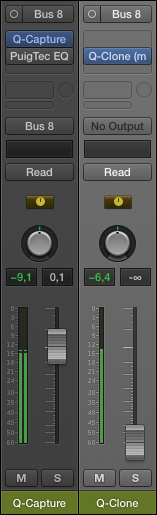
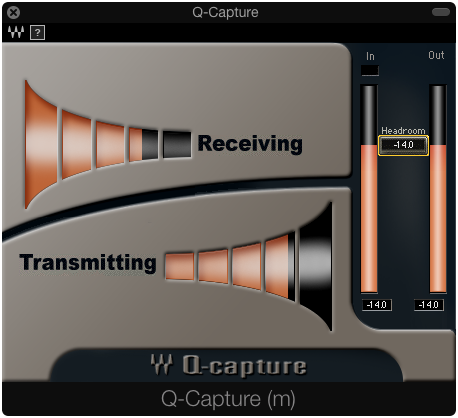
On the other channel, calibrate the level with the volume fader from the Q-Capture channel.
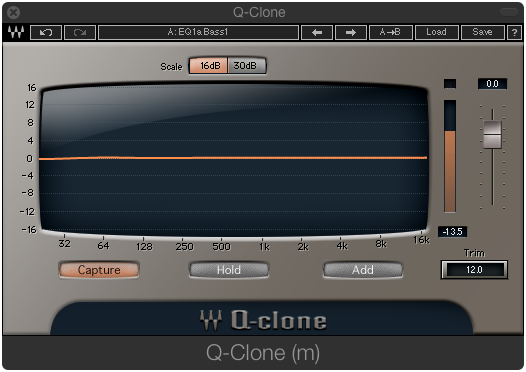
Activate the plugin you want to analyse, in my case PuigTec MEQ1A and have a look at the "famous" Pultec curve
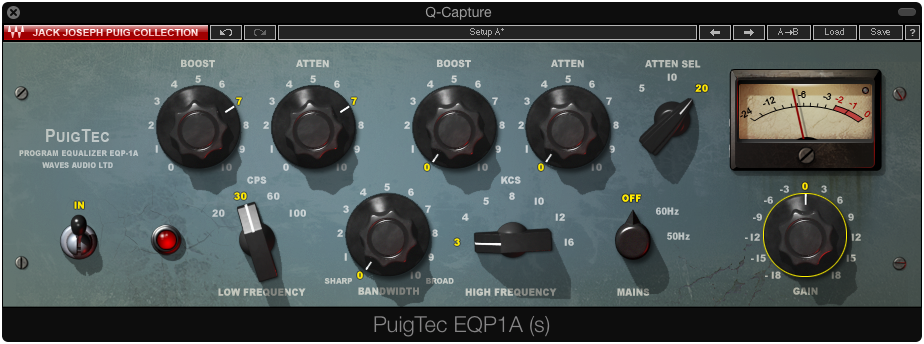
As viewed from the Q-Capture it's clear that the attenuation does not occur at the same frequency as the boost does
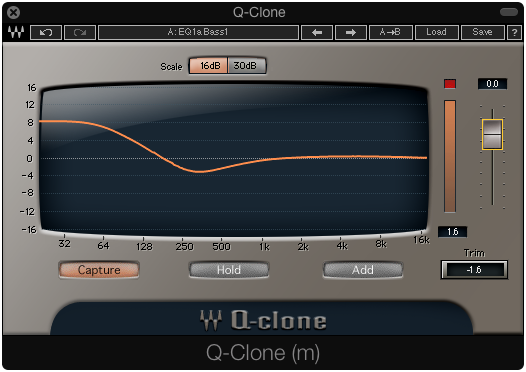
A closer look at attenuation
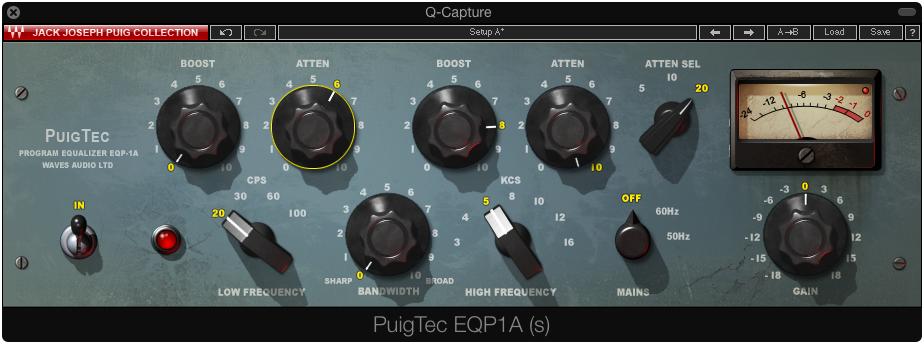
Q-Capture
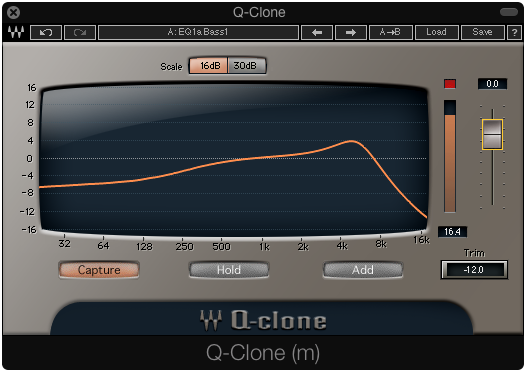
Save the preset and do a null test to see if it works.